





Celestron Smartphone Adapter DX Kit, 1.25” ( 81037 )
Celestron has reinvented the Tabletop Dobsonian telescope with StarSense Explorer—the first Tabletop...
View More
By: Celestron
SKU: B093TJ4WLL
Available Offers
 Cash Points
Earn
14 Cash Points

✨ All prices are inclusive of GST — no hidden charges, complete price transparency.
Highlights
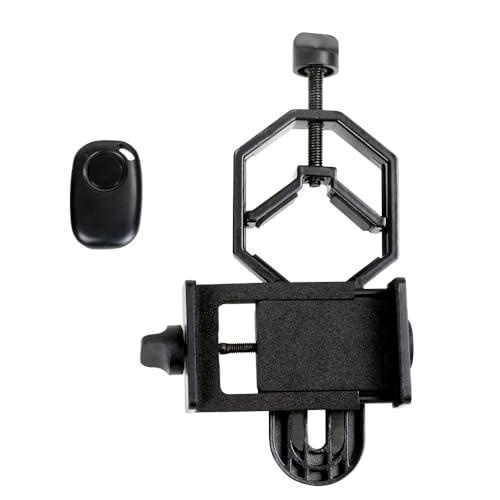
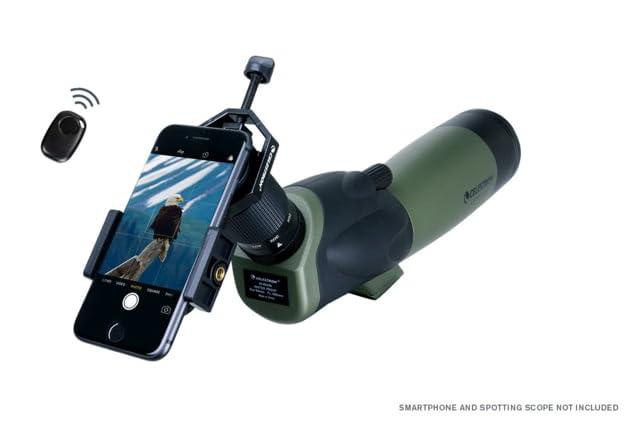
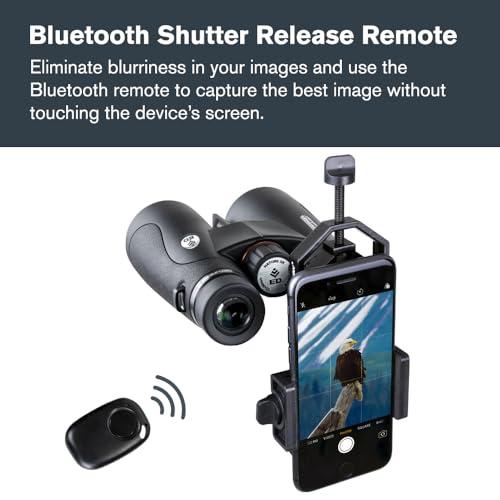
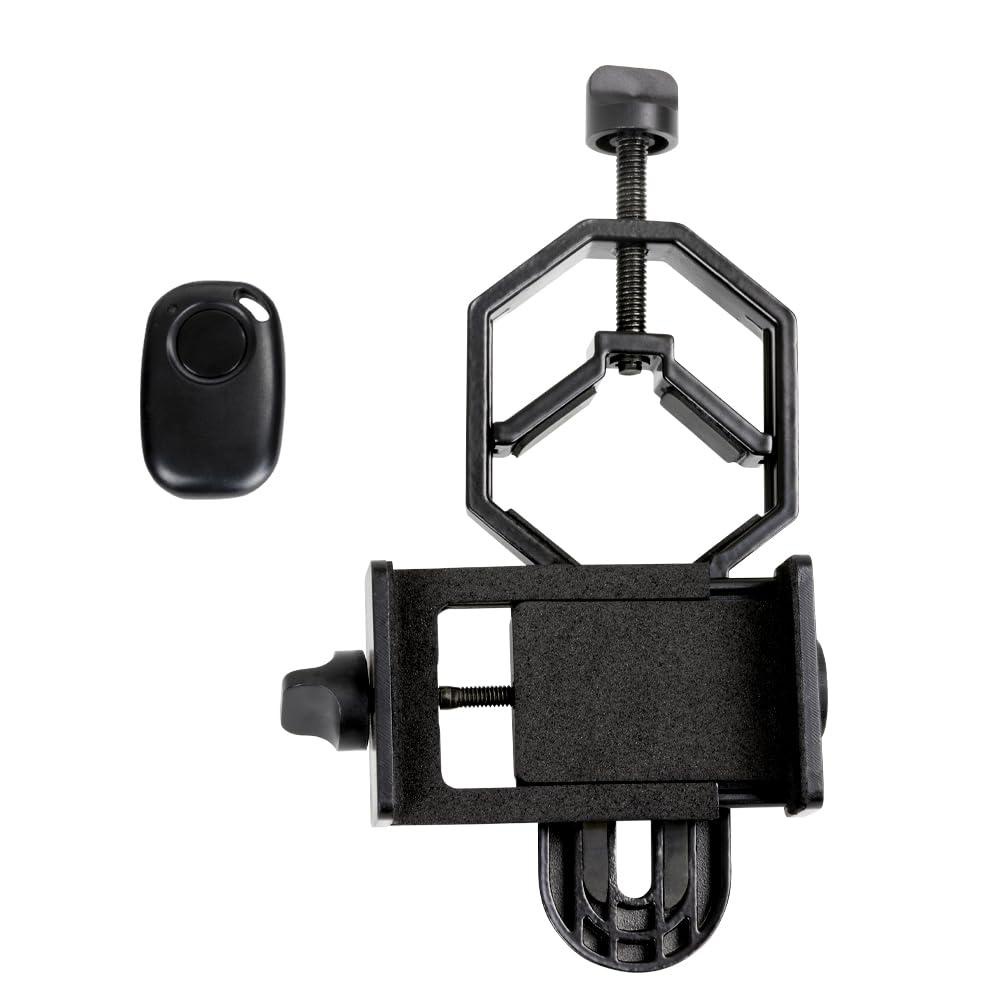
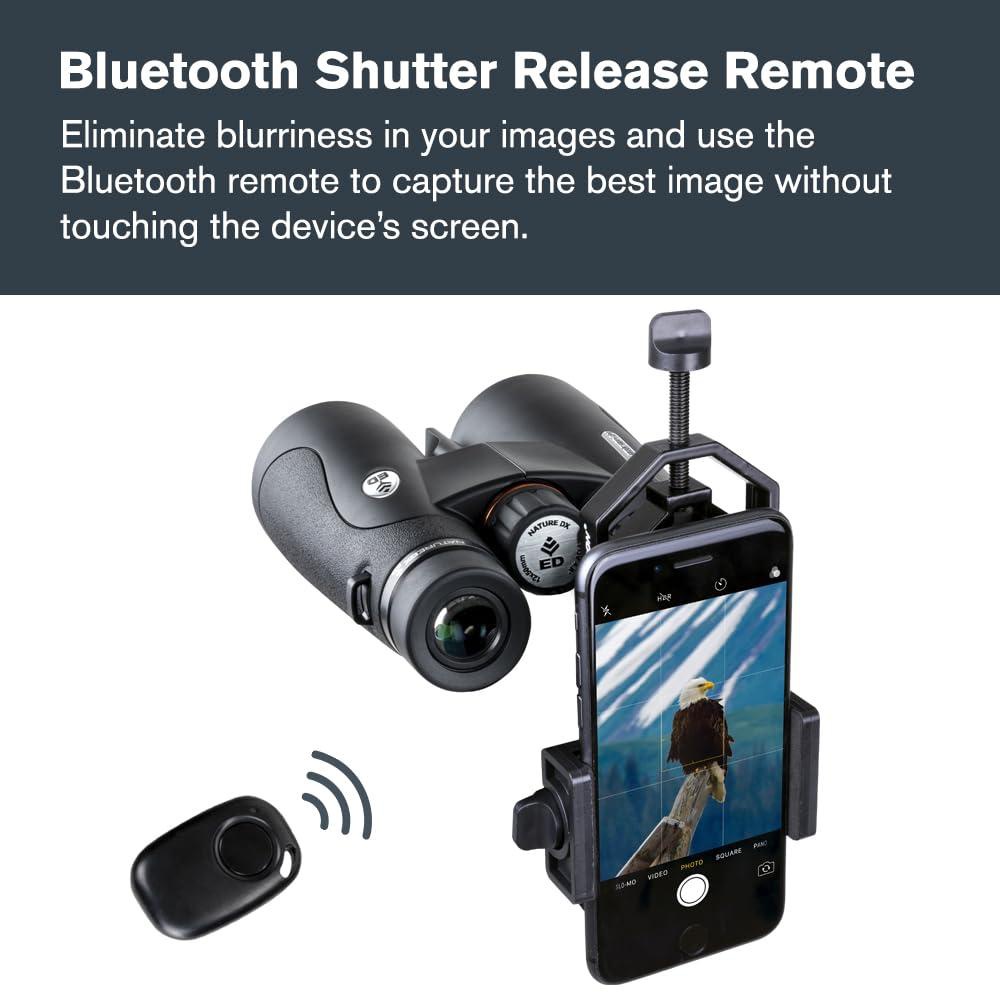
- A complete digiscoping solution: Smartphone adapter connects your smartphone to an eyepiece while the Bluetooth shutter release button helps you get a steady shot every time.
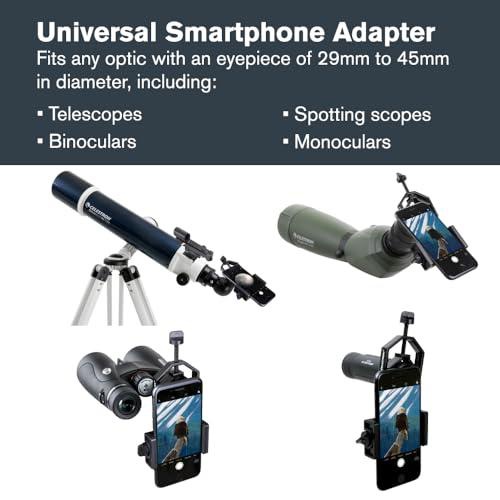
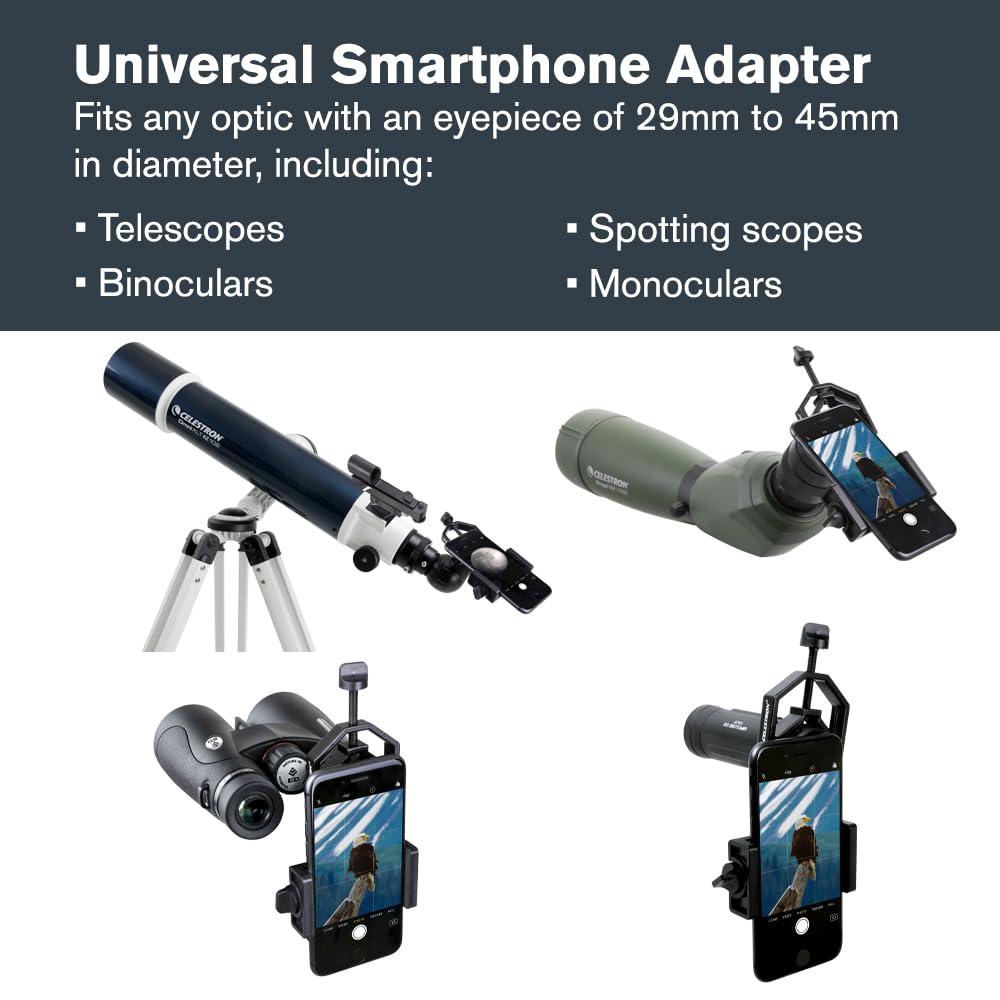
- Works with telescopes (with most 1.25” eyepieces), spotting scopes, binoculars, monoculars, and microscopes.
- Connect the remote shutter release to your phone via Bluetooth to take photos or start/stop video recording without unwanted vibration.
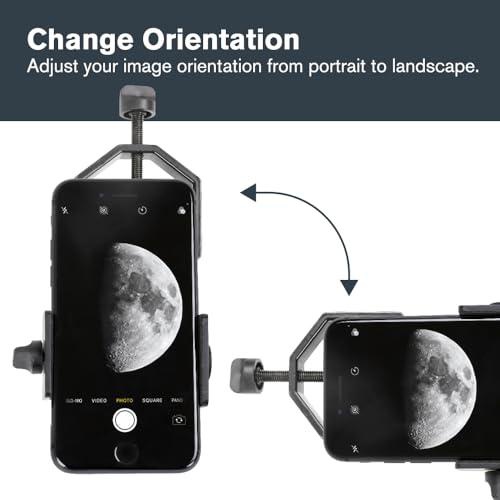
- Both devices work with virtually all smartphone models, including the latest devices from Apple, Samsung, and Google.
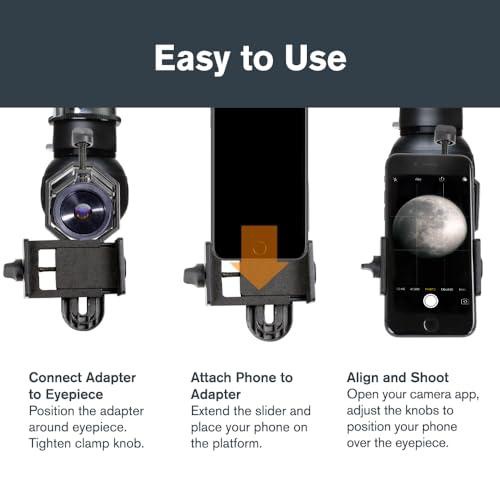
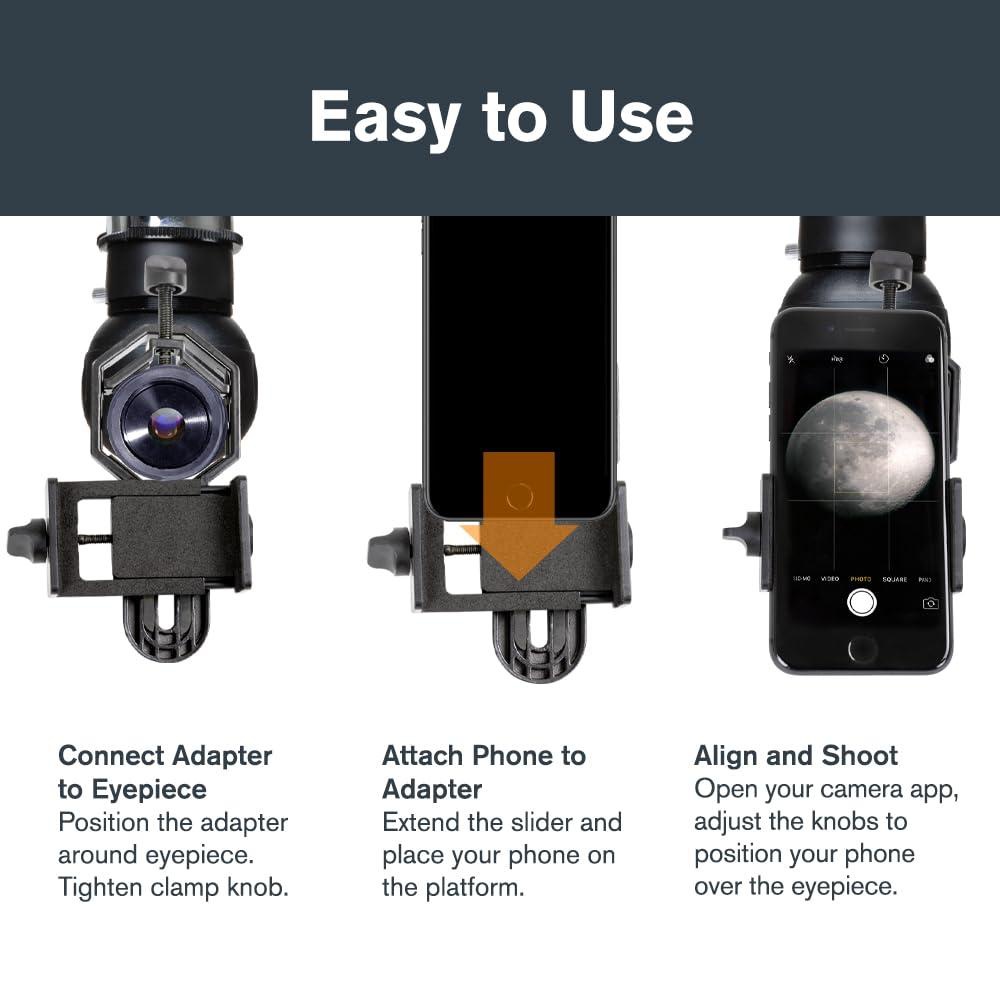
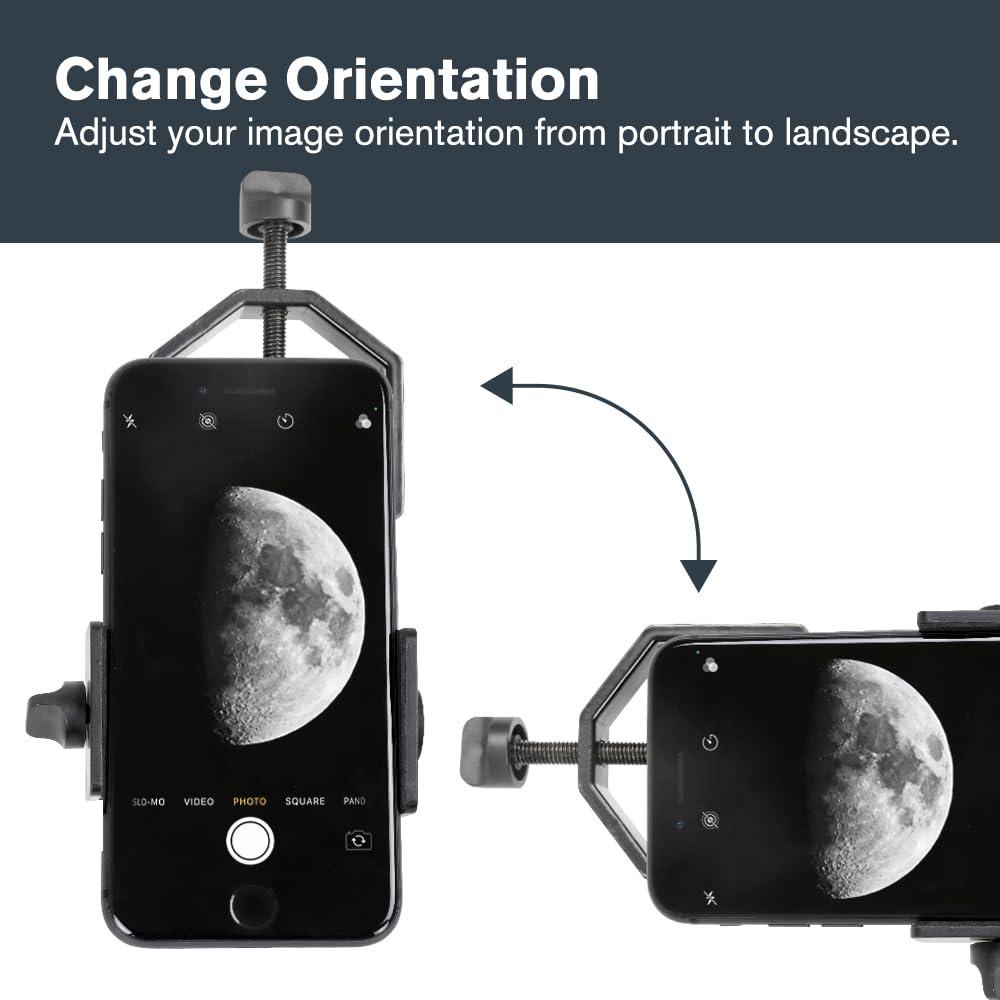
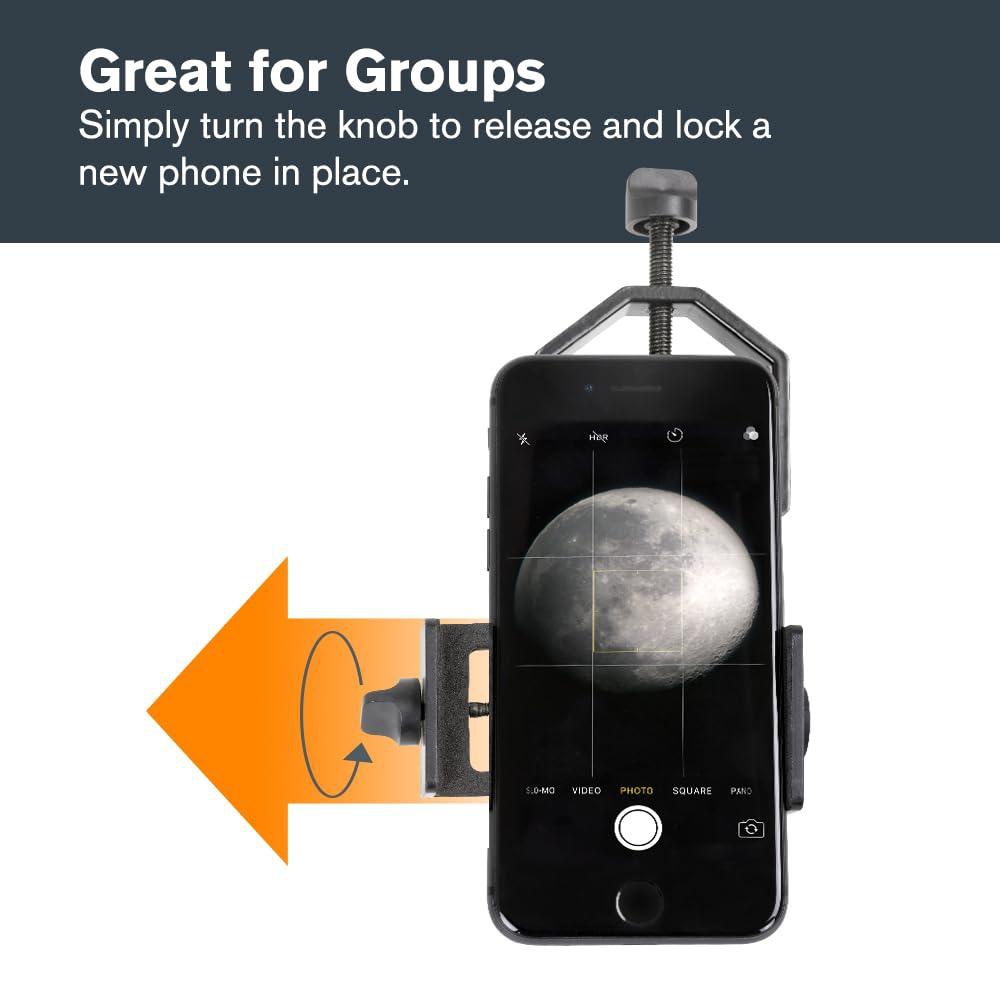
- Simple to use smartphone adapter! Place your phone in the adapter, center your phone’s camera over the eyepiece, and use the knobs to secure the adapter in place.
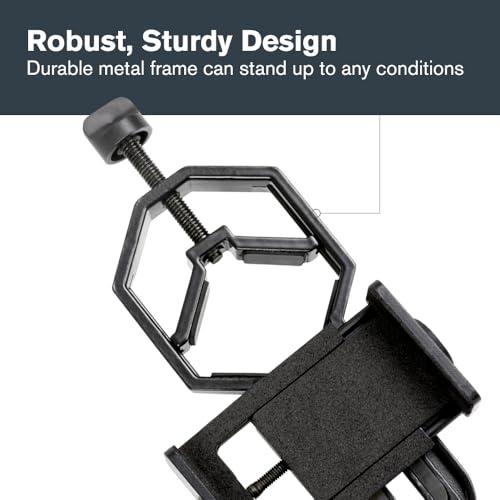
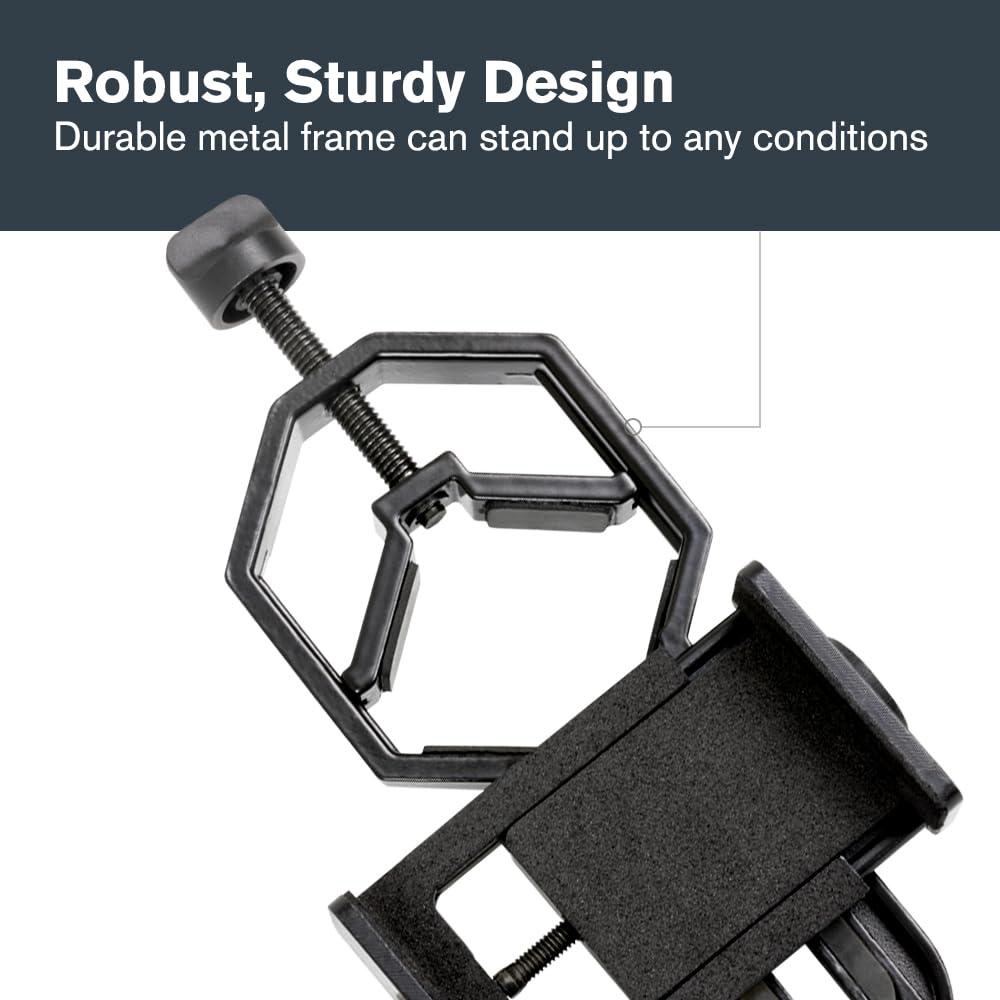
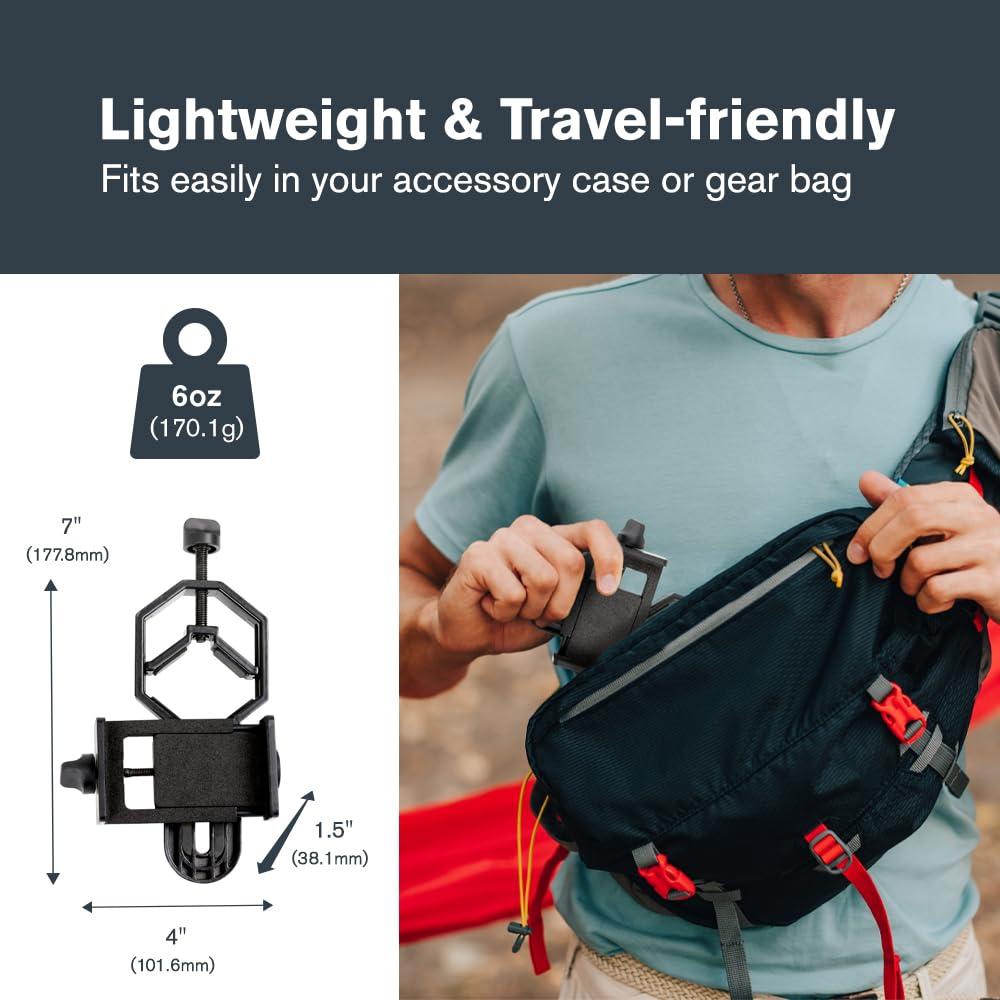
- Durable, metal bodied adapter stands up to rigorous use in the field and harsh weather conditions.